
- Production Work Management Software
Track Daily Manufacturing Work from One Platform
Manage production activities, employee responsibilities, maintenance work and quality inspections without relying on disconnected spreadsheets, messages and manual follow-ups.
Xync gives production managers and factory teams a centralized view of what needs to be done, who is responsible and how work is progressing across the shop floor.
Production Tracking
Shop-floor Management
Quality Management
Maintenance Scheduling
Workflow Approvals
Operational Dashboards
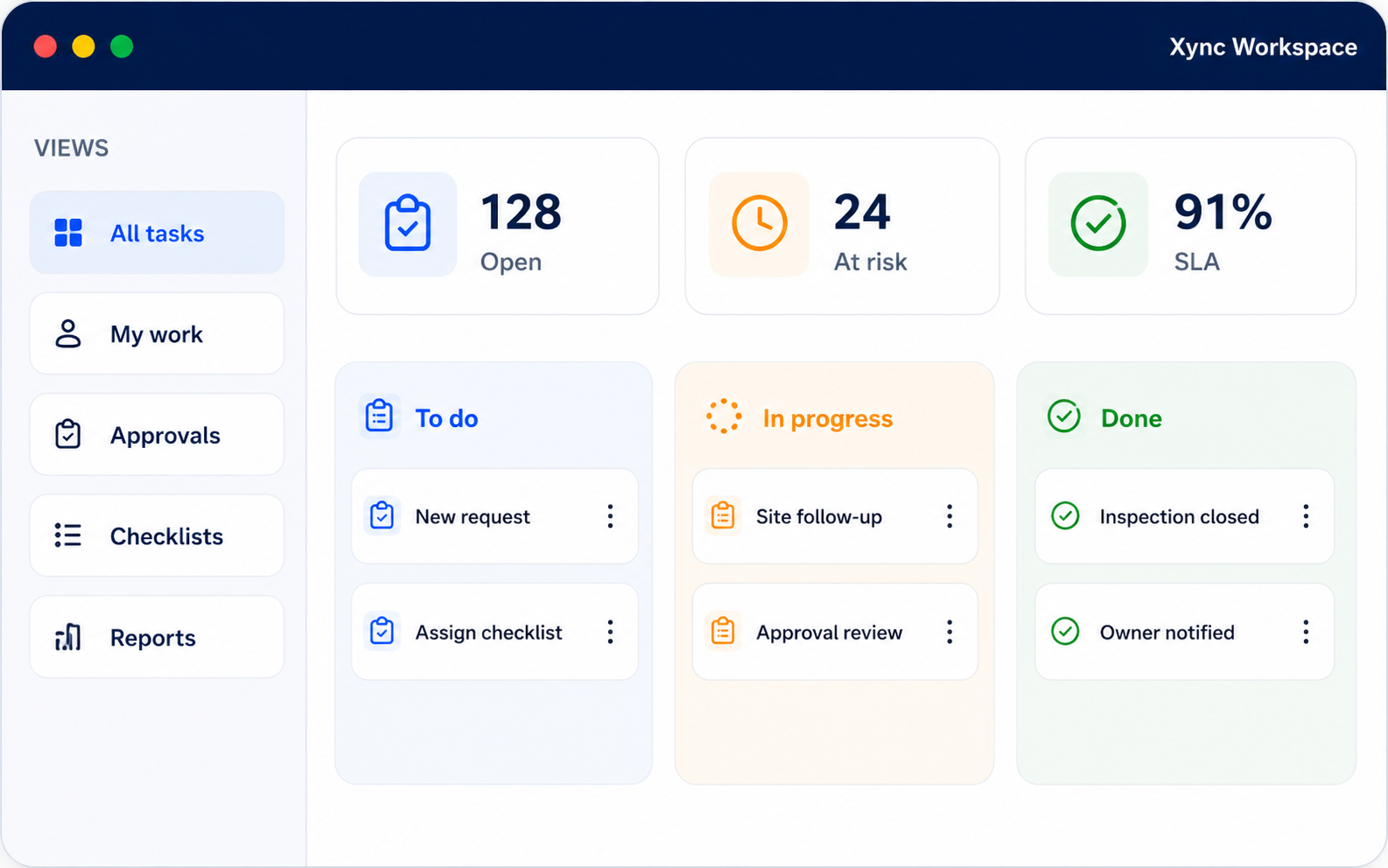
Factory Operations Management
Centralize production activities, employee responsibilities, maintenance work and quality inspections in one platform with complete visibility into daily factory operations and work progress.
Real-Time Tracking
Faster Approvals
Quality Assurance
Performance Insights
Manufacturing Operation Challenges
1
Manual Production Tracking
2
Delayed Maintenance Activities
3
Limited Employee Task Visibility
4
Poor Department Coordination
5
Missed Inspections and Approvals
6
Difficulty Monitoring Progress
Manage Production in 6 Simple Steps
1
Create a production activity
Record production activities and assign priorities, instructions and deadlines to keep factory work organized and trackable.
2
Assign responsibility
Assign production activities to responsible teams and ensure accountability with clear ownership and timelines.
3
Monitor progress
Track activity status from open to completion and give supervisors real-time visibility into daily production work.
4
Collaborate across teams
Add comments, documents and progress updates to the activity so related teams have access to the same information.
5
Review and approve completed work
Route completed activities to the appropriate supervisor or manager for verification and approval.
6
Analyze performance
Use dashboards and reports to review work completion, delayed activities, departmental workload and operational trends.
Manufacturing Management Features
Production planning
Organize production schedules, work orders and daily operating activities.
Employee task management
Assign responsibilities, set priorities and monitor work performed by factory employees.
Workflow automation
Configure repeatable processes, notifications and approval steps for common operational activities.
Maintenance scheduling
Plan and track preventive maintenance, equipment servicing and corrective work.
Quality management
Manage inspection activities, quality checks, audits and compliance-related tasks.
Dashboards and analytics
Monitor current work status, productivity indicators and operational performance.
Notifications and alerts
Remind employees and supervisors about assignments, deadlines, approvals and overdue work.
Document management
Store work instructions, production documents and inspection records with each activity.
Calendar management
View planned production work, maintenance schedules and important operational deadlines.
Mobile accessibility
Allow authorized team members to review information and update work while away from a desktop computer.
Built for Every Manufacturing Team
Production managers and supervisors
Plan daily production work, assign responsibilities and monitor progress across production lines.
Shop-floor operators
View assigned tasks, instructions, priorities and deadlines in one place.
Maintenance teams
Manage preventive maintenance schedules, equipment servicing and corrective maintenance requests.
Quality teams
Plan inspections, record quality activities and monitor pending approvals.
Warehouse teams
Coordinate material-related activities and communicate issues that may affect production work.
Procurement teams
Track purchasing requests and supplier-related activities connected to factory operations.
Why Manufacturers Choose Xync
Centralized Operational Management
Clear Task Ownership
Real-Time Work Visibility
Structured Reviews and Approvals
Shared Documents and Updates
Dashboards and Performance Insights
Production Work Management Software FAQs
What is production work management software?
Production work management software helps manufacturers plan, assign, track and review daily operational activities.
It provides a centralized system for managing production work, employee responsibilities, maintenance activities, quality inspections, documents and approvals.
How can a factory track daily production work?
Factories can create production activities, assign them to responsible employees, define priorities and deadlines, and monitor progress through a shared dashboard.
This reduces dependence on separate spreadsheets, paper records and manual status updates.
Can supervisors monitor shop-floor activities?
Yes. Supervisors can view assigned, pending, completed and overdue work and review updates from the employees responsible for each activity.
The exact visibility available to each user should be configured according to their role and responsibilities.
Does the software support maintenance activities?
Xync can be used to plan and monitor preventive maintenance, corrective work and equipment servicing activities.
Maintenance teams can record progress and supporting information against the relevant work item.
Can quality inspections be managed in the platform?
Quality teams can use the platform to schedule inspection activities, assign responsibilities, record updates and route completed work for review.
Specific forms and approval requirements can be configured around the organization’s quality process.
Can production activities be assigned to multiple teams?
Yes. Production activities can be assigned to different departments, teams or employees to improve collaboration and ensure tasks are completed efficiently across factory operations.
Is the platform customizable?
Yes. Workflows, task categories, responsibilities and approval processes can be configured for different manufacturing operations.
The configuration required depends on the factory’s processes and reporting needs.
Is Xync an ERP or MES replacement?
Xync focuses on coordinating and tracking daily operational work across manufacturing teams.
Whether it replaces or complements an existing ERP, MES, maintenance system or other factory platform depends on your current software environment and functional requirements. These requirements should be reviewed during the product demonstration.
How long does implementation take?
Implementation time depends on the number of workflows, departments, users, approval processes and system requirements involved.
A requirements review is needed before an accurate implementation plan can be provided.
Can employees access the platform on mobile devices?
The platform supports mobile accessibility so authorized users can view information and update activities while away from a desktop.
Confirm the exact device, browser and mobile functionality requirements during the demonstration.