
- Field Service Activity Tracking Software
Manage Field Service Operations with Greater Control
Xync helps service businesses maintain clear responsibility, monitor daily field activities across multiple locations and keep managers, coordinators and field employees working with accurate information.
Clear Task Ownership
Smarter Decisions
Faster Status Updates
Better Field Visibility
Fewer Missed Visits
Improved Team Coordination
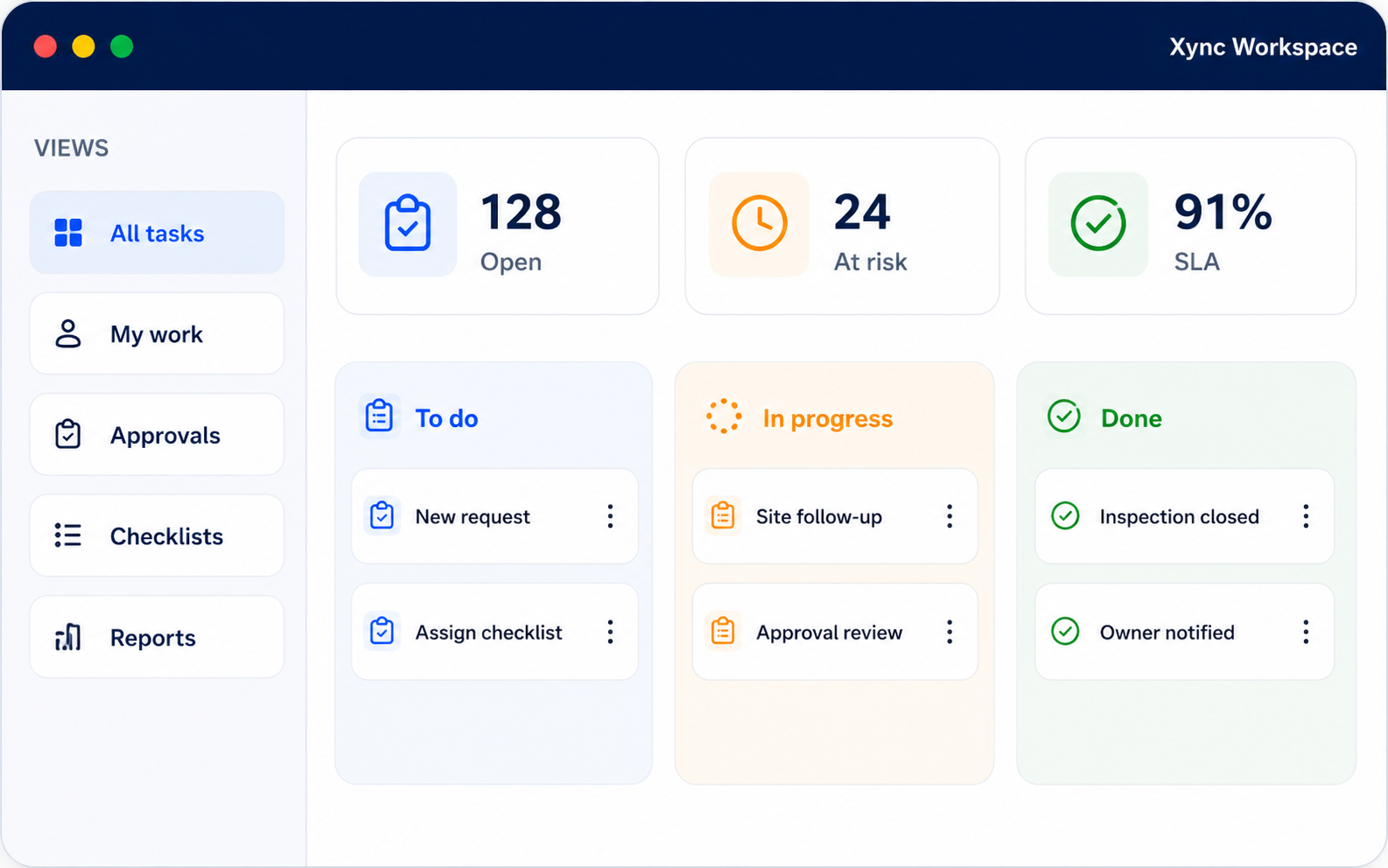
Keep Every Field Service Activity on Track
Field service operations involve customer visits, inspections, installations, repairs, and on-site work across multiple locations. Xync helps teams organize field activities from task assignment to customer confirmation and completion.
Live Location Updates
Customer Visit Track
Work Status Updates
Completion Proof
Resolve the Challenges That Slow Down Field Service Work
1
Fragmented Job Information
2
Conflicting Daily Priorities
3
Incomplete Visit Preparation
4
Limited Supervisor Awareness
5
Weak Completion Evidence
6
Inconsistent Field Processes
The Lifecycle of Every Field Service Activity
1
Receive the Customer Reques
Register customer complaints, maintenance requests, installation work, inspection needs, verification visits, or other field service requests.
2
Create the Service Activity
Record customer details, service location, work description, priority, preferred schedule, and supporting information.
3
Assign the Field Employee
Assign the activity to the appropriate technician, field officer, or service team based on availability, location, and skill.
4
Employee Accepts the Task
The assigned employee reviews the activity details and confirms the assignment.
5
Travel to the Customer Location
The employee travels to the customer or site location and updates travel status when required.
6
GPS Check-In
Record a GPS check-in upon arrival to verify the visit location and time.
7
Perform the Field Activity
Complete the assigned inspection, installation, repair, maintenance, verification, or customer visit.
8
Capture Photos and Notes
Upload before-and-after photos, observations, repair details, or voice notes related to the activity.
9
Upload Supporting Documents
Attach inspection reports, service forms, invoices, customer documents, or other supporting files.
10
Update Work Status
Update the activity status as completed, in progress, pending, or requiring a follow-up visit.
11
Collect Customer Confirmation
Capture the customer's signature or acknowledgement to confirm the completed work.
12
Review and Close the Activity
The manager reviews the submitted updates, verifies the completion details, and closes the activity once all requirements are met.
Field Service Solutions for Different Industries
Banking Field Officers
Manage customer verification, address checks, document collection, repayment follow-ups, and proof of customer visits.
Insurance Surveyors & Agents
Coordinate claim inspections, property surveys, customer meetings, and policy-related field visits.
HVAC & AC Service Providers
Handle installation, preventive maintenance, equipment inspections, and repair services.
Electrical Service Teams
Track electrical installations, fault repairs, testing, safety inspections, and maintenance visits.
Installation & Setup Teams
Coordinate equipment installation, testing, commissioning, and customer handovers.
Equipment Support Teams
Support preventive maintenance, breakdown response, equipment inspections, and servicing.
Solar Support Teams
Manage site surveys, solar panel installation, commissioning, inspections, and maintenance work.
Medical Equipment Service Teams
Coordinate installation, calibration, preventive maintenance, and repair visits for healthcare equipment.
Facility Support Teams
Manage building maintenance, utility inspections, recurring service visits, and technical support activities.
Home Appliance Service Providers
Track diagnostic visits, repairs, installations, warranty services, and spare parts follow-ups.
Construction Site Teams
Coordinate site inspections, contractor visits, project supervision, and field activity reporting.
Management
Review company-wide work, department activity, delayed tasks and pending approvals through dashboards.
Why Field Service Businesses Choose Xync
Centralized Work Order Management
Mobile Access for Field Teams
GPS Location & Attendance Tracking
Complete Work Documentation
Real-Time Activity Visibility
Flexible Workflows
Built to Scale
Field Service Activity Tracking Software FAQs
What Is Field Service Activity Tracking Software?
Field Service Activity Tracking Software helps businesses organize field tasks, customer visits, mobile employees, and service records from a centralized platform.
Can Xync Track Customer and Site Visits?
Yes. Xync helps businesses create visit activities, assign them to field employees, and maintain complete visit records.
Does Xync Support GPS Check-In and Check-Out?
Yes. Field employees can record location-based check-in and check-out details for assigned customer or site visits.
Can Field Employees Upload Photos and Documents?
Yes. Employees can upload site photos, service reports, documents, and work completion evidence directly from the field.
Can Xync Be Used by Banking Field Officers?
Yes. Banking teams can manage customer visits, document verification, location capture, visit notes, and proof of customer interaction.
Can HVAC and Service Technicians Use Xync?
Yes. Technicians can receive service tasks, visit customer locations, update repair details, upload photos, and collect customer confirmation.
Can Managers Monitor Field Team Activities?
Yes. Managers can view task status, visit updates, reports, uploaded evidence, and completed activities from one platform.
Can Xync Support Multiple Locations and Branches?
Yes. Businesses can organize field activities by branches, service areas, customer locations, and operational territories.
Can Recurring Field Visits Be Scheduled?
Yes. Xync supports scheduled maintenance, inspections, routine visits, and repeat service activities.
Is Xync Customizable for Different Field Service Businesses?
Yes. Xync can be configured based on business processes, activity types, roles, and field service requirements.