
- Construction Operations Management Software
Track Construction Tasks and Workforce Across Every Site
Manage site activities, workforce assignments, material requests, inspections, approvals, documents, and daily project progress from one centralized platform.
Xync helps construction companies connect office teams with project managers, engineers, supervisors, contractors, and field workers. Track responsibilities, monitor progress, and maintain better visibility across every construction location.
Construction Task Tracking
Material Requests System
Site Activity Management
Inspection Management
Real Time Project Updates
Employee Task Management
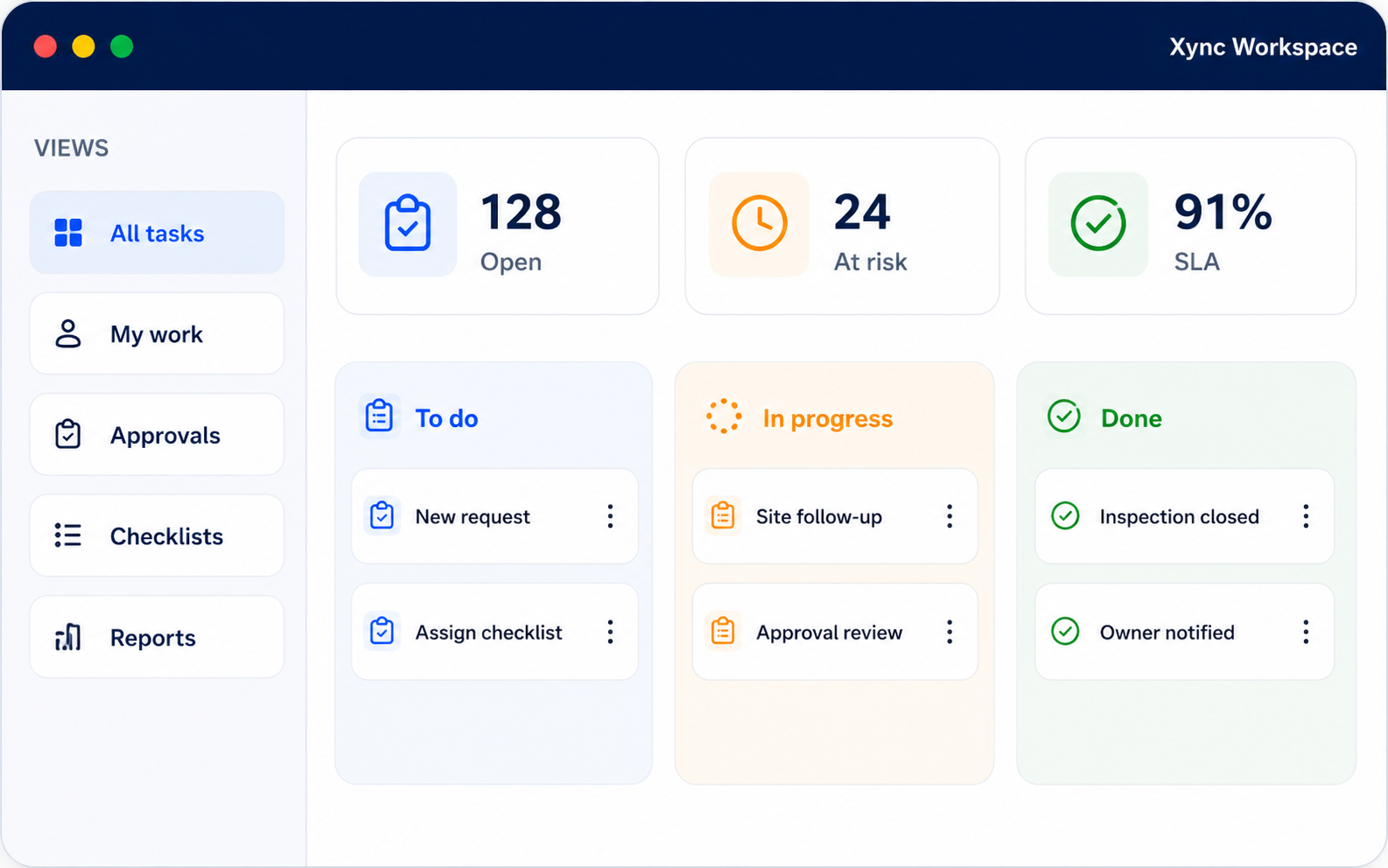
Built for Daily Construction Operations
Create site activities, assign responsibilities, manage material requests, record inspections, and track project progress without relying on disconnected spreadsheets, paper reports, calls, or messaging applications.
Clear Responsibility
Better Coordination
Faster Site Updates
Real Time Visibility
From Site Activity to Project Completion Every Step Stays Clear
1
Create the Work Activity
2
Assign the Responsible Employee
3
Track Work Status
4
Add Updates and Attachments
5
Review Completed Work
6
Approve and Report
Manage Different Types of Construction Work
1
Site Activities
Create and assign daily construction activities with clear responsibilities, priorities and deadlines.
2
Contractor Follow-Ups
Assign internal employees to monitor contractor-related work, pending actions and completion updates.
3
Material Follow-Ups
Create tasks for material requirements, approvals, delivery follow-ups or other material-related actions.
4
Inspection Tasks
Schedule and assign quality, safety or site-inspection activities with instructions and supporting attachments.
5
Supervisor Activities
Track daily supervisor responsibilities, site observations, workforce follow-ups and reporting tasks.
6
Document Follow-Ups
Create activities for drawing reviews, document approvals, submissions and project-file follow-ups.
7
Daily Site Updates
Allow employees to record completed work, pending activities, delays, remarks and supporting photographs.
Construction Features That Keep Every Project on Track
Task Management
Create and assign tasks with priorities, deadlines, attachments and remarks for site activities, inspections and contractor follow-ups.
Attendance with Leave Management
Track employee attendance, leave requests and approvals to manage workforce availability and daily planning.
Dashboard
View pending tasks, ongoing work, approvals and employee status from a single dashboard.
Easy Integration with Your Workflow
Configure Xync to match your existing departments, processes and reporting structure.
WhatsApp Notifications
Send task reminders, work updates and approval alerts directly through WhatsApp.
Calendar
Schedule deadlines, meetings, follow-ups and recurring activities with an easy calendar view.
Vernacular Languages
Support local languages to help employees understand instructions and share updates easily.
Voice Messages
Allow employees to send quick voice updates on work progress and site activities.
Timesheets
Track work hours, activity duration and daily task updates for better workforce management.
Geolocation
Capture location-based updates for site visits, inspections and field activities.
Built Around Your Construction Workflow
Configurable Project Workflows
Configure task categories, construction stages, priorities, reviews, approvals, and completion processes.
Multi Site Management
Organize activities by project, building, zone, floor, work area, department, or construction location.
Office and Field Access
Give project teams access to the information required for their roles and responsibilities.
Role Based Permissions
Control what project managers, engineers, supervisors, contractors, and workers can view or update.
Custom Inspection Processes
Create quality, safety, material, installation, and completion inspection workflows.
Construction Reports
Configure reports for site progress, pending activities, workforce assignments, inspections, and material requests.
Why Construction Companies Choose Xync
Better Project Visibility
Improved Team Accountability
Faster Material Coordination
Better Site Communication
Consistent Inspection Records
Reduced Manual Reporting
Construction Work Tracking Software FAQs
What Is Construction Work Tracking Software?
Construction Work Tracking Software helps companies create project activities, assign responsibilities, manage site work, monitor progress, and maintain project records from one platform.
Can Xync Manage Multiple Construction Sites?
Yes. Activities can be organized by project or location so managers can monitor progress across multiple construction sites.
Can Site Engineers Update Project Progress?
Yes. Authorized site employees can update task status, record completed work, add comments, and upload progress photographs.
Can Xync Manage Material Requests?
Yes. Site teams can create material requests, include required quantities and dates, submit them for approval, and monitor request status.
Can Construction Drawings be Stored in Xync?
Yes. Authorized users can store and access drawings, specifications, contracts, reports, photographs, and supporting project files.
Is Xync Customizable?
Yes. Project structures, workflows, activity categories, user roles, inspections, notifications, approvals, and reports can be configured.
Can Construction Inspections be Managed?
Yes. Teams can create inspection activities, record findings, upload photographs, assign corrective work, and monitor approval status.
Can Contractors and Workers be Assigned Tasks?
Yes. Construction activities can be assigned to project managers, engineers, supervisors, contractors, technicians, and site workers.
Does Xync Support Daily Site Reporting?
Yes. Teams can record completed work, site observations, workforce details, project issues, and progress photographs digitally.
Does Xync Provide Project Reports?
Yes. Managers can review project activities, delayed work, material requests, inspection status, workforce assignments, and operational progress.
Can Xync Replace Construction Spreadsheets?
Xync can replace many spreadsheet based processes used for task tracking, site updates, material requests, inspections, and daily reporting.
Does Xync Replace Construction ERP Software?
Xync focuses on construction work tracking, site coordination, inspections, material requests, workforce assignments, and operational reporting.
Whether it replaces or works alongside your ERP, accounting, procurement, or project planning system depends on your business requirements.